
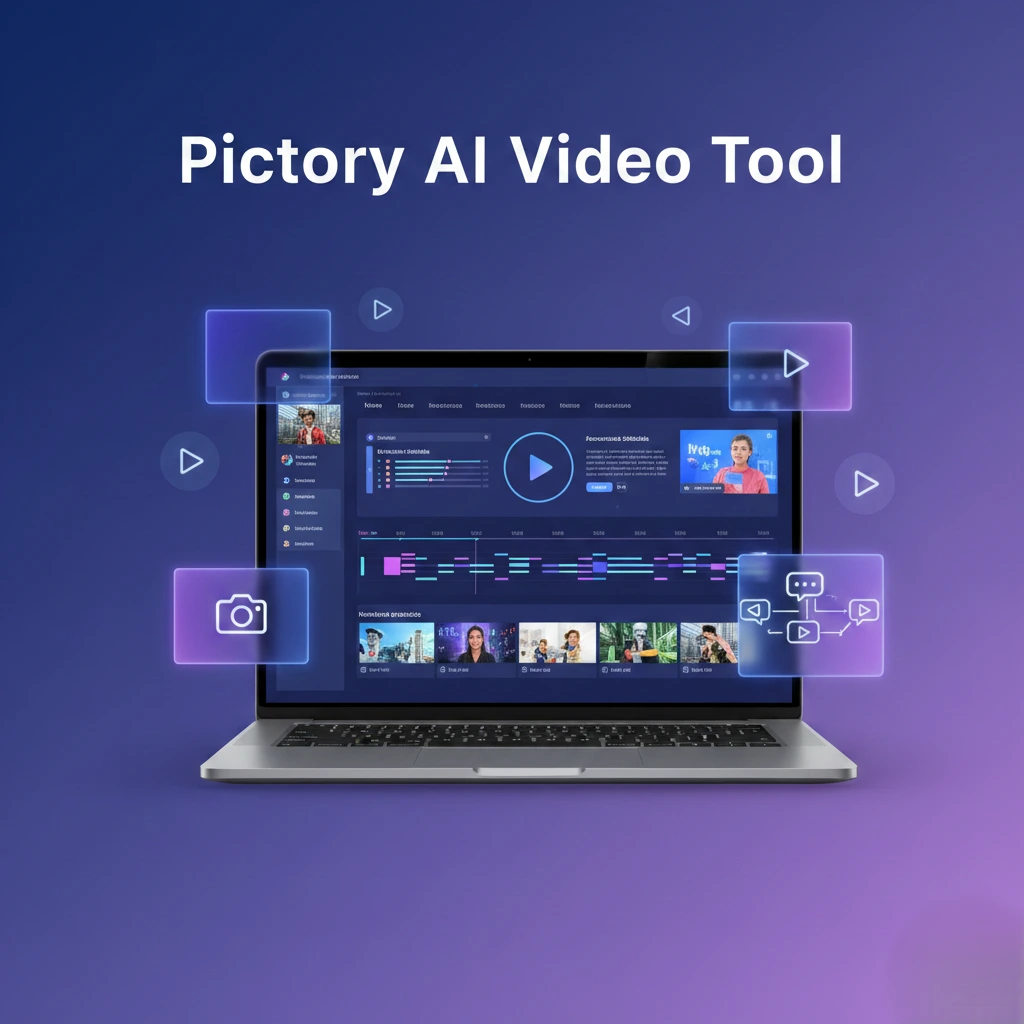
What is Pictory?
Pictory is an AI-powered video creation platform that allows users to turn text, blog posts, scripts, and long articles into engaging videos within minutes. It is designed for content creators, marketers, educators, and businesses who want professional videos without advanced editing skills or expensive software.
The tool uses artificial intelligence to automatically select visuals, add subtitles, generate voiceovers, and create smooth transitions. This makes video production faster and more efficient, especially for users who do not have prior video editing experience.
Pictory works completely online, so there is no need to download or install any software. Users can access it from any device with an internet connection.
How Pictory Works
Pictory works by analyzing the text or script provided by the user and then automatically generating video scenes using relevant stock footage, animations, and background music. Users can customize fonts, colors, and layouts to match their brand style.
It also provides automatic subtitle generation, which improves accessibility and engagement on platforms like YouTube, Instagram, and Facebook. The drag-and-drop editor allows quick adjustments without complex timelines.
Key Features of Pictory
Text-to-Video conversion
Blog article to video feature
Automatic subtitle generation
AI voiceover options
Large stock media library
Easy drag-and-drop editor
Branding customization (logo, colors, fonts)
Background music integration
HD video export
No technical editing skills required
Main Use Cases of Pictory
1. YouTube Video Creation
Creators can convert scripts or articles into full videos with visuals and voiceovers.
2. Social Media Content
Marketers use Pictory to create short promotional clips and reels quickly.
3. Educational Videos
Teachers and trainers can transform study material into engaging visual lessons.
4. Business Marketing
Businesses create explainer videos, product demos, and brand stories.
5. Blog to Video Conversion
Website owners convert blog posts into videos to increase engagement and SEO reach.

Who Should Use Pictory?
YouTubers and video creators
Digital marketers and agencies
Bloggers and website owners
Online educators and trainers
Small businesses and startups
Social media managers
Free vs Paid Plans
Pictory provides a free trial with limited exports and features. Paid plans unlock higher video quality, longer durations, more templates, and premium voice options. Professionals who create videos regularly benefit more from paid versions.
Pros and Cons of Pictory
Pros
Saves video editing time
Beginner-friendly interface
Automatic subtitles and voiceovers
Large stock footage collection
No installation required
Cons
Advanced exports require paid plan
Limited customization in free trial
Internet connection required
Is Pictory Safe to Use?
Yes, Pictory is generally safe for creating marketing, educational, and social media videos. Users should ensure they follow copyright rules while using stock media and voiceovers.
Pictory for AI Tools Directory Websites
Pictory is a strong listing choice for AI Video Tools because it targets a wide audience and solves a common need: quick video creation. It attracts bloggers, YouTubers, and businesses looking for automation in video production.
If you are exploring AI tools for content creation and productivity, you may also like our other recommended tools such as ChatGPT for AI writing, Canva AI for image design, and various AI SEO and video editing tools available in our directory. These tools can help you automate tasks, improve creativity, and grow your online projects more efficiently.
Final Verdict
Pictory stands out as a reliable and beginner-friendly AI video creation platform that bridges the gap between complex video editing software and simple drag-and-drop tools. It is especially valuable for users who want to transform written content into engaging visual stories without investing hours in manual editing. The automatic scene selection, subtitle generation, and voiceover features significantly reduce production time while still maintaining a professional look.
For bloggers and website owners, Pictory offers a smart way to repurpose articles into videos, which helps increase reach across YouTube, Instagram, Facebook, and other social platforms. Marketers and small businesses benefit from its branding options, allowing them to maintain consistent colors, fonts, and logos in every video. Educators and trainers can also convert lessons or presentations into visual formats that are easier for audiences to understand and remember.
While the free plan has limitations, it is sufficient for testing the platform and understanding its workflow. The paid plans unlock better export quality, longer video durations, and more advanced customization, making it suitable for professionals who produce content regularly. Another strong advantage is that Pictory is web-based, so there is no need for heavy software installation or high-performance hardware.
Overall, Pictory is a practical choice for anyone who wants fast, automated, and visually appealing video creation powered by AI. Whether the goal is marketing, education, social media growth, or content repurposing, the tool delivers a balanced mix of simplicity and capability. For an AI tools directory, Pictory deserves a prominent spot because it appeals to a wide user base and solves a real content creation challenge in a straightforward and efficient way.
📌 FAQ
Add an FAQ block (Rank Math kit) to improve rich result chances:
Q1. What is Pictory AI Video Tool?
A1. Pictory is an AI-powered video creation and editing platform that turns text, articles, or scripts into professional videos with automatic subtitles and visuals.
Q2. Can beginners use Pictory without editing skills?
A2. Yes, Pictory is designed for users without technical video editing experience.
Q3. Does Pictory generate subtitles automatically?
A3. Yes, Pictory can automatically generate captions for videos.
Q4. Does Pictory offer a free plan?
A4. Pictory offers a free trial, but more advanced features are available in paid plans.